
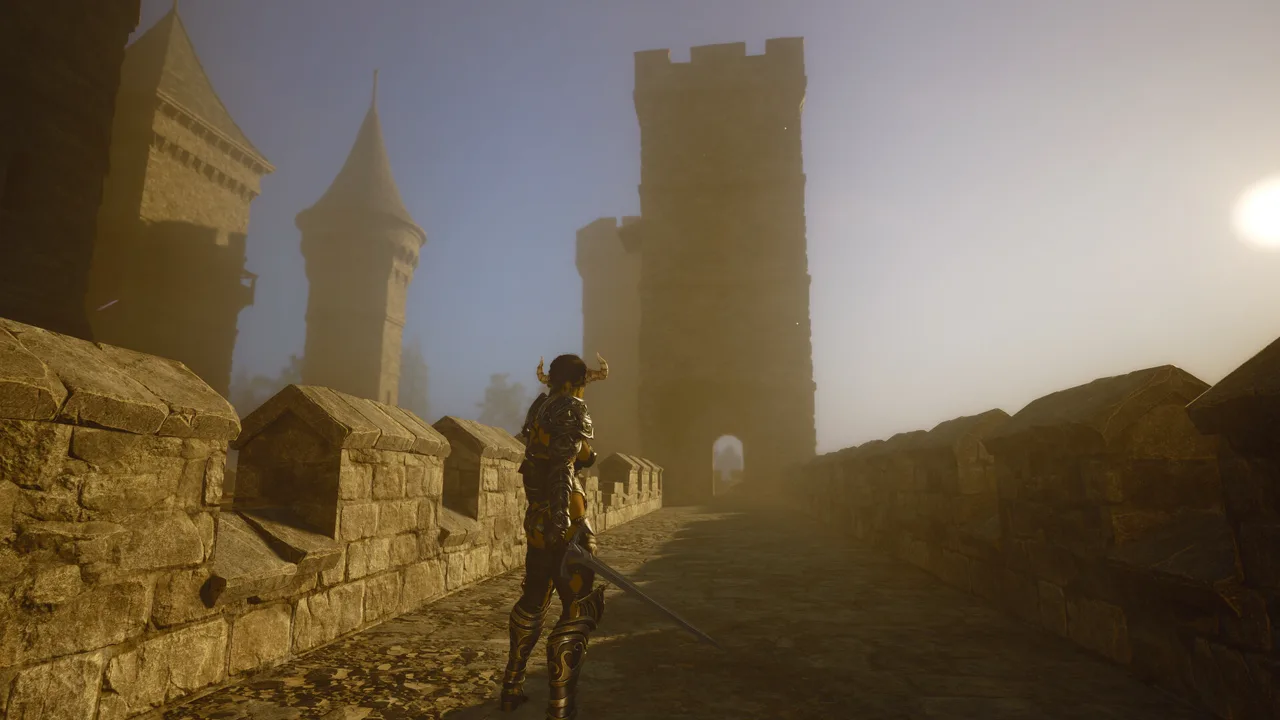
1. Steam Deck Compatibility & 1.0 Performance Fixes
Wicked Island carries the Steam Deck Playable compatibility tier. While the game launches and runs on SteamOS via Proton, it is built natively for Keyboard & Mouse and requires custom Steam Input controller mapping plus graphics tuning for steady frame pacing outside the starting beach.
Version 1.0 (November 17, 2026) and the preceding One Year on the Island optimization cycle delivered major improvements for portable PCs and lower-VRAM GPUs: Intel XeSS and NVIDIA DLSS upscaling were repaired (with TSR used automatically where XeSS is unavailable), a misspelled config filename bug that blocked graphics presets from applying was fixed, low-setting water materials were added, and skin shaders plus build-piece textures were optimized. The November 18, 2026 post-1.0 hotfix further increased the texture pool size to stop blurry/unloaded textures on High and Epic settings (primarily benefiting desktop GPUs rather than making High/Epic recommended for Steam Deck), fixed crashes when landing on certain surfaces, and fixed skin subsurface scattering causing characters to glow red in direct sunlight.
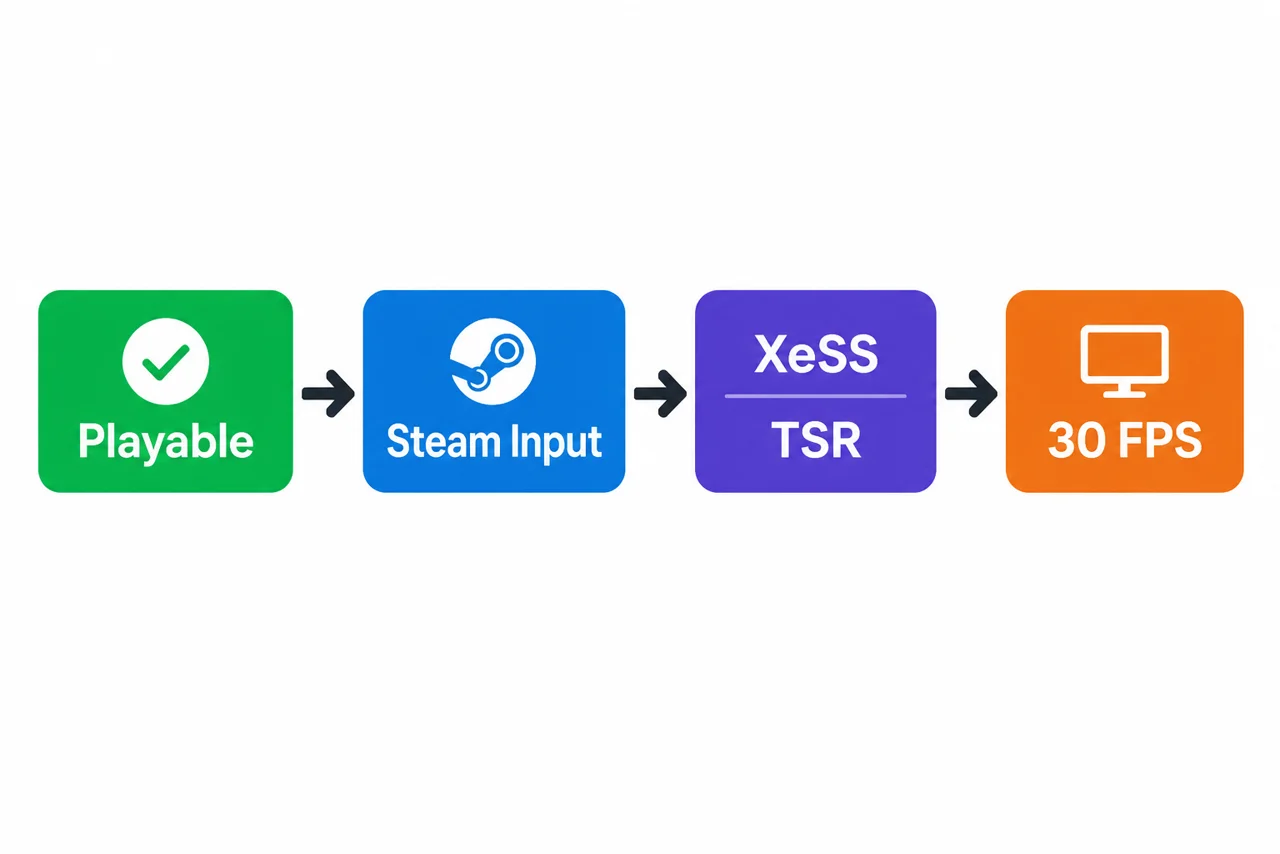
2. Recommended Steam Deck Graphics & Proton Settings
Use these tuned settings to keep frame times stable inside dense forests, dungeons, and multi-station bases:
| Setting | Recommended Value | Why It Helps |
|---|---|---|
| Quality Preset | Low or Medium | Version 1.0 fixed the config typo so presets apply reliably; avoids GPU spikes in forests. |
| Upscaling | XeSS or TSR | v1.0 uses TSR fallback where XeSS isn't supported; significantly reduces shader load. |
| Water & Shadows | Low | Uses v1.0 low-setting water materials and lowers ocean/foliage overdraw. |
| SteamOS Frame Cap | 30 FPS (Recommended Starting Cap) | A practical baseline target that helps smooth frame pacing and battery life; dense bases or forests may still vary. |
| Proton Layer | Stable Proton / Proton Experimental | Recommended if launch or Steam Workshop picker screens stall on SteamOS. |
3. Controller Support & Steam Input Mapping
Wicked Island has no built-in native controller support. However, you can play comfortably on Steam Deck, Xbox, or PlayStation controllers using Steam Input community layouts or a custom mouse-and-keyboard template:
- Open Wicked Island in Steam, select the Controller Icon, and browse Community Layouts (or start from Keyboard (WASD) and Mouse).
- Map Right Trackpad / Right Stick to Mouse, Left Stick to WASD, Right Trigger to Left Click (Attack), and Left Trigger to Right Click (Block/Aim).
- Map face/shoulder buttons to Space (Jump), Left Shift (Sprint), Left CTRL (Power Attack), Left ALT (Dodge / Dragon Flight), and E (Interact).
- Bind a radial menu or back grip button to I (Inventory), M (Map), J (Journal), F (Radial Menu), and 1–9 (v1.0 dialogue selection).
- Rebind
Numpad /(Cheat Menu),Numpad 0(Hide UI), andNumpad -(Unstuck) in-game under Input Settings so Steam Input can trigger them without a numeric keypad.
4. Complete Default Keyboard & Mouse Bindings
If you play on a desktop PC, laptop, or docked Steam Deck with a keyboard and mouse, here are the default bindings across all six Input Settings categories:
| Category | Action | Default Key |
|---|---|---|
| Combat | Primary / Secondary / Power Attack / Dodge | LMB / RMB / Left-CTRL / Left-ALT |
| Interface | Inventory / Journal / Map / Radial / Take All / HUD | I / J / M / F / R / TAB |
| Interface (Numpad) | Pause / Secondary Pause / Cheat Menu / Hide UI | ESC / Home / Numpad / / Numpad 0 |
| Actions | Interact / Quick Save / Screenshot / Walk / First Person | E / F5 / F12 / N / G |
| Actions (Dragon/Scene) | Toggle Dragon Flight / End Scene / Hold / Move / Unstuck | Left ALT / B / V / X / Numpad - |
| Building | Destroy Building / Height Modifier / Toggle Snapping | Middle Mouse / Left Shift / O |
Need to remap the Numpad Cheat Menu or Hide UI keys? Read our Cheats & Dev Menu Keybind Guide, or check full PC minimum/recommended specs in Version 1.0 Patch Notes & Specs.
Sources
Steam Deck Playable status, 1.0 XeSS/DLSS/TSR and config preset fixes, controller Steam Input behavior, and default keyboard bindings come from official Steam announcements and Wicked Island community wiki documentation.
- Official — Small Update Post-1.0 Hotfix (Texture Pool, Landing Crash & Skin SSS Fixes, Nov 18, 2026)
- Official — Wicked Island 1.0 Patch Notes (XeSS/DLSS/TSR, Water & Dialogue Keys 1–9)
- Official — One Year on the Island (Steam Deck Optimization Milestone)
- Community Wiki — Controller Support & Steam Input Notes
- Community Wiki — Complete Keyboard Controls
Player Notes & Discussion (0)